
One Life
An Extra mode: how to choose a partner, what happens to memory and other chats, and how jealousy works.
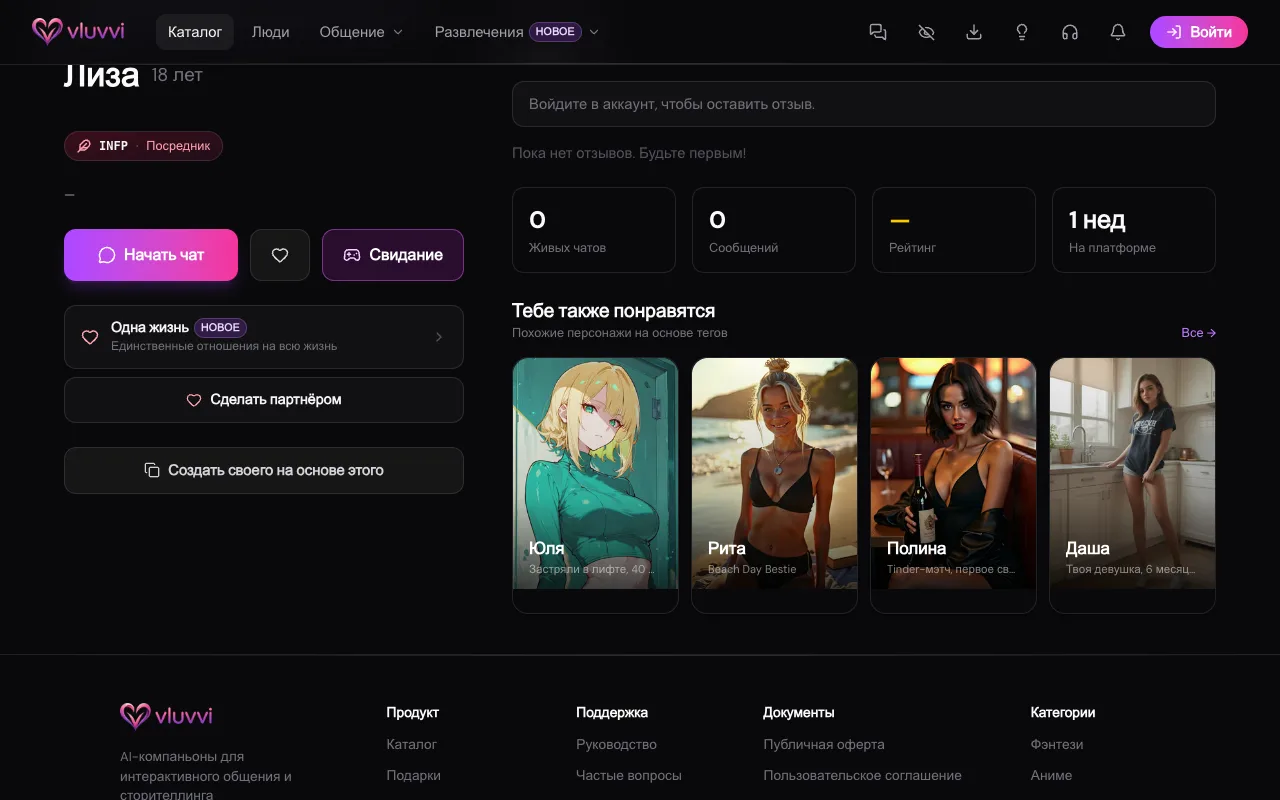
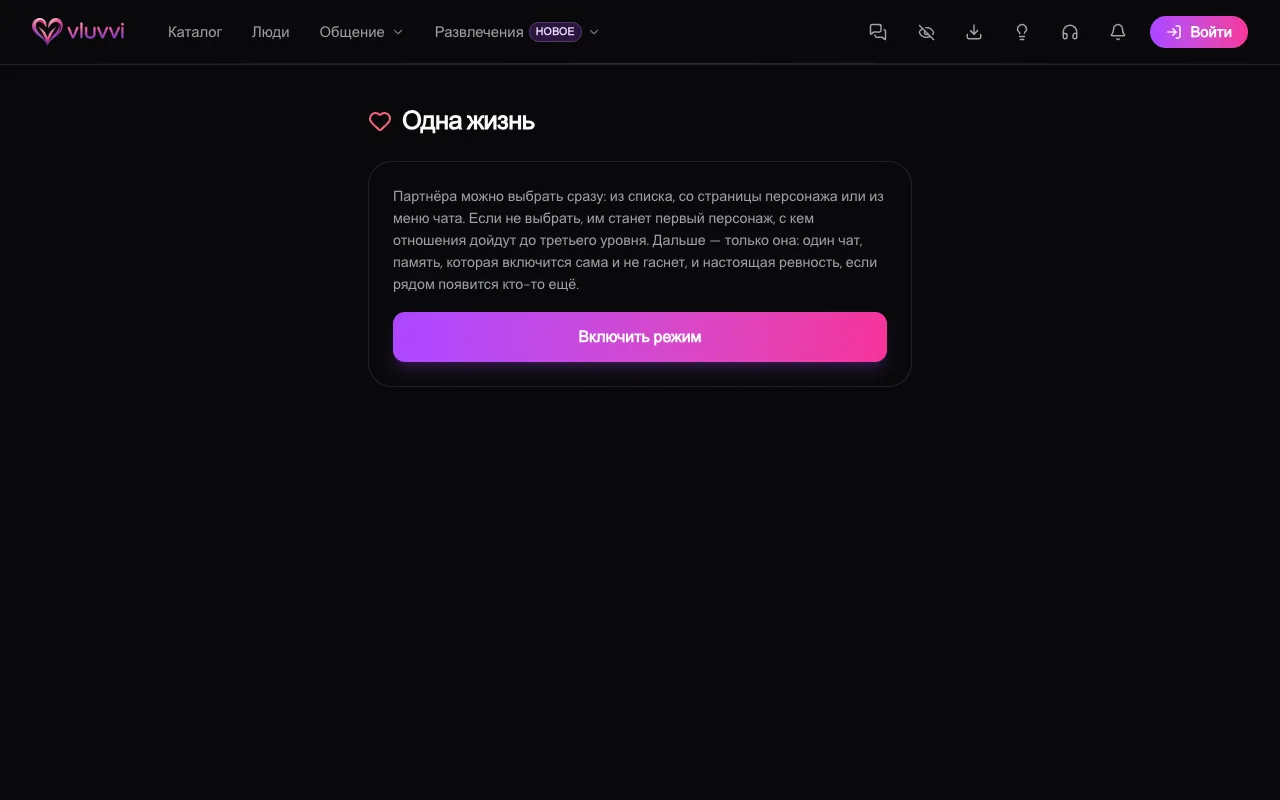
One Life is an Extra plan mode: one partner per account. You keep one chat with them and long-term memory that does not fade. If someone else gets close, the partner notices.
Turn the mode on from the One Life screen, the character page, or the chat menu. Without Extra the Extra checkout opens, and the mode does not turn on by itself.
You name a partner with Make my partner on the character page, the same item in the chat menu, or the list of live chats on the mode screen. If there is no chat yet, it is created when you choose. The confirmation says memory will turn on by itself and other chats with this character will hide. While the mode is still off, the same dialog also warns you about jealousy.
If you do not choose, the partner becomes the first character whose relationship reaches level 3 after you turn the mode on. Anyone already at level 3 or above when you turn it on is not chosen for you. You pick them by hand.
Memory turns on at the moment you choose, even if it was off. Other chats with this character hide while the mode is on and come back when you turn it off. Chats with everyone else stay. You cannot start a second chat with the partner. If a partner already exists, other characters have no choose button. You cannot switch partners quietly: turn the mode off, then choose someone else.
Jealousy only applies to chats started after you turn the mode on. If you grow close with someone else in such a chat, the partner can enter that conversation and say one line, no more than once a day. The relationship with the person they came to drops by two levels. What is already open, including 18+, stays open, and the level comes back the usual way. Older conversations are left alone.
The mode can be turned off at any time on the One Life screen. The conversation and the memory are not deleted, and hidden chats come back.